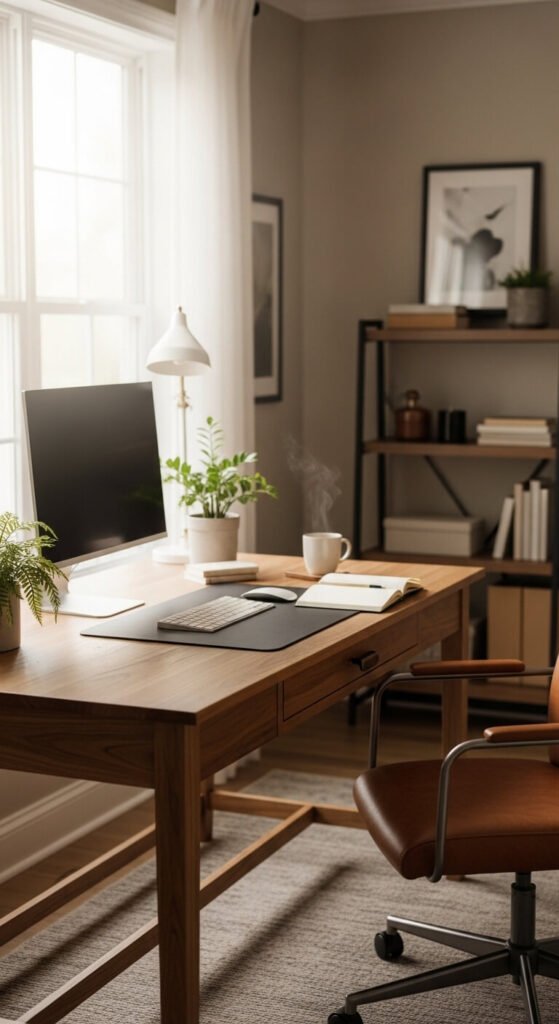
Your home office can either drain your energy or fuel your best work — the difference often comes down to small, intentional choices. A cluttered desk, poor lighting, or an uncomfortable chair quietly chips away at your focus and motivation every single day. The good news? You don’t need a huge budget or a dedicated room to build a workspace that actually works. From simple desk upgrades to smart storage tricks, the right setup changes how you feel, how long you focus, and how much you get done. These 23 ideas are practical, affordable, and easy to act on starting today.
1. Choose the Right Desk for Your Workflow
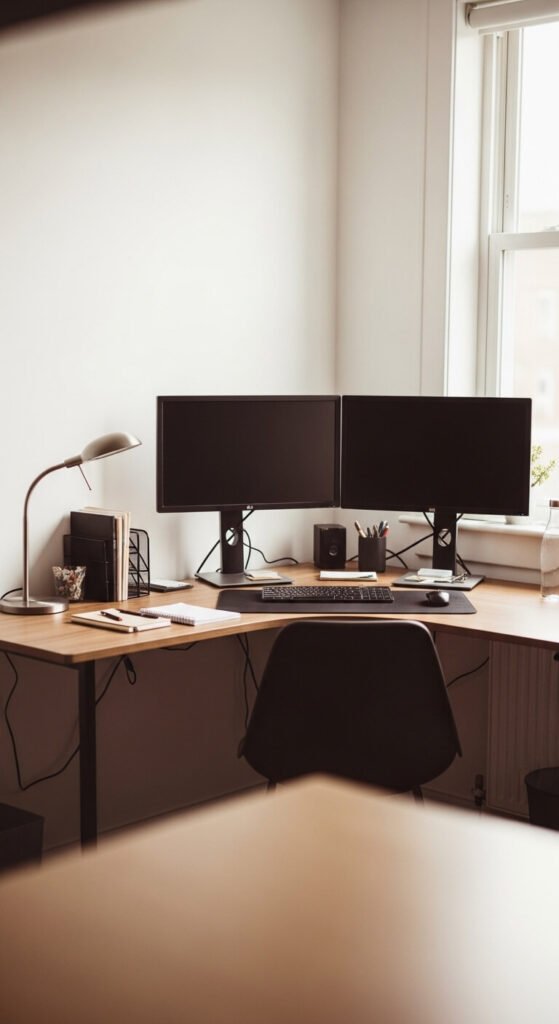
Your desk is the foundation of everything. Pick a size that matches how you actually work — not just what fits. A minimalist writer may only need a 48-inch surface. Someone managing multiple screens needs more real estate. If space is tight, a wall-mounted fold-down desk is a great DIY option. Attach a solid pine board with heavy-duty brackets for under $60. Keep the surface clear of anything you don’t use daily. Less clutter on the desk means less clutter in your head.
2. Position Your Monitor at Eye Level
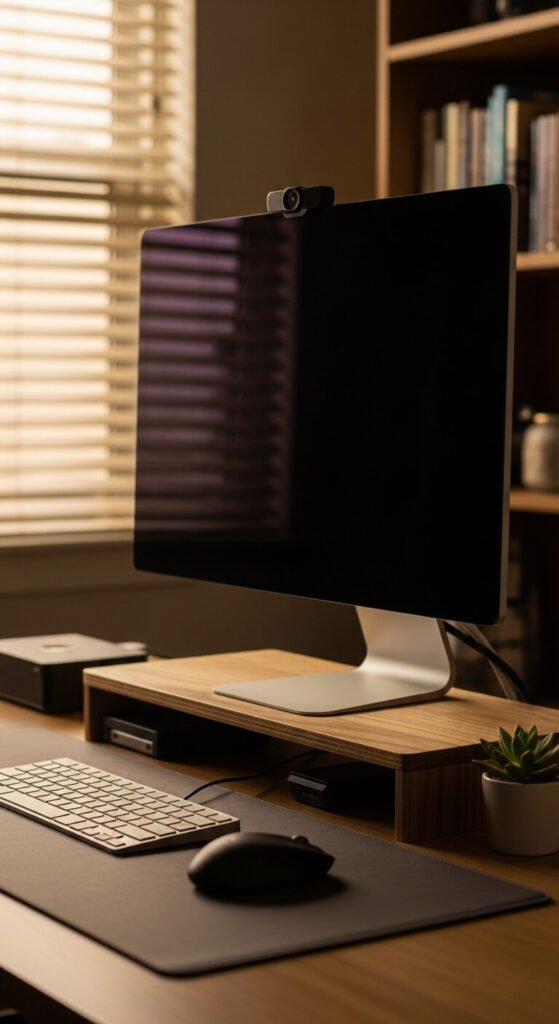
Neck pain is a focus killer. Your screen should sit so the top edge is at or just below eye level. Most people’s monitors sit too low, causing them to hunch forward without realizing it. A simple fix: stack your monitor on a riser or a few thick hardcover books. Purpose-built risers start around $15–$25 and often include a small shelf underneath for a keyboard or supplies. Adjusting this one thing can reduce end-of-day fatigue and keep you working longer without discomfort.
3. Layer Your Lighting for Less Eye Strain
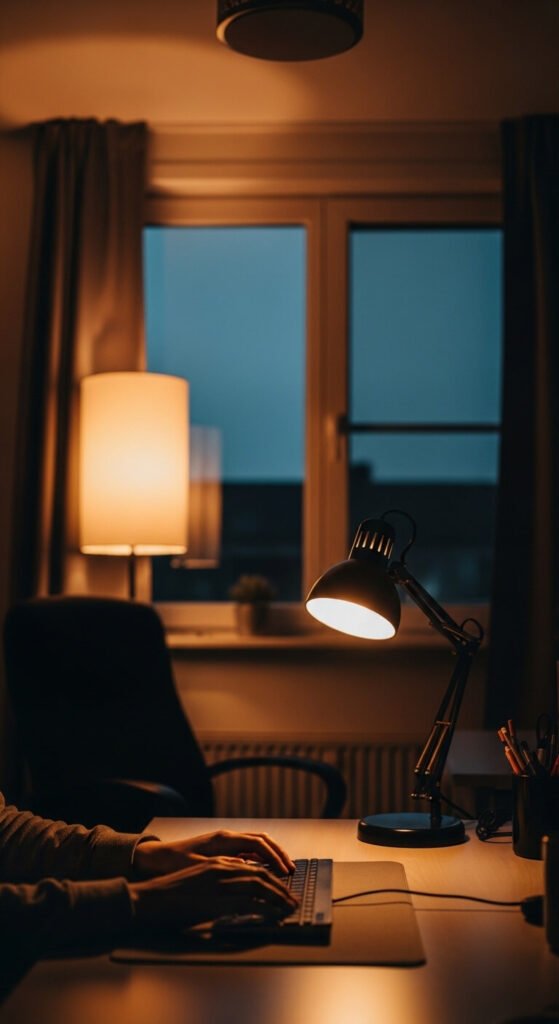
Relying on one overhead light is one of the most common home office mistakes. Layer three types of lighting: ambient (general room light), task (focused desk lamp), and accent (LED strip behind your monitor). This reduces glare and harsh shadows that tire your eyes fast. A basic adjustable LED desk lamp runs $20–$40. Peel-and-stick LED strips on the back of your monitor create a soft bias light that makes screen time far more comfortable over long hours.
4. Invest in a Chair That Supports Your Lower Back
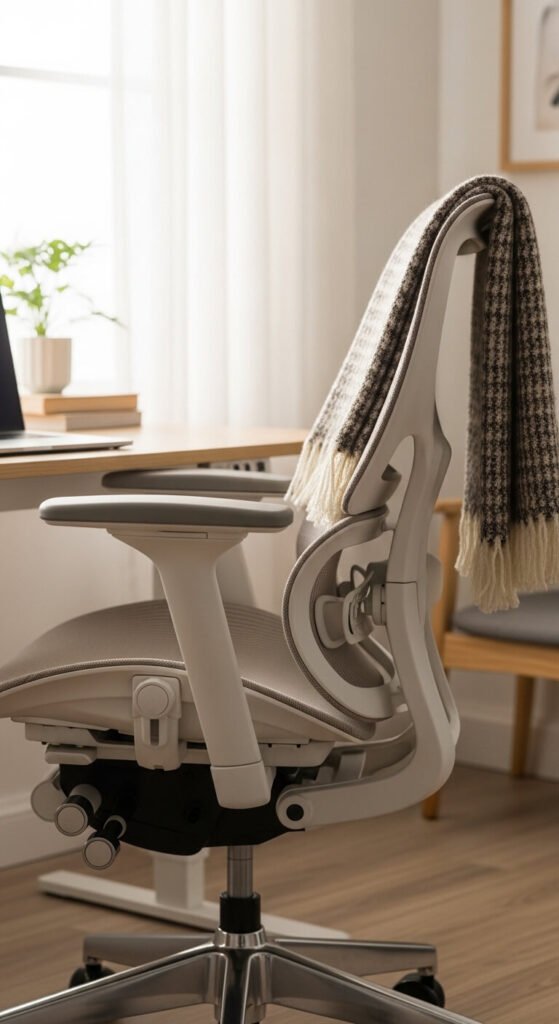
A bad chair costs you more than comfort — it costs you hours of productive focus. Lumbar support is non-negotiable. If a new ergonomic chair isn’t in the budget right now, add a $20–$30 lumbar cushion to your existing seat. Look for adjustable armrests so your shoulders can relax while you type. Your hips should sit slightly higher than your knees. Set a timer every 45 minutes to stand and stretch. Even the best chair can’t replace movement, but the right one reduces the damage from long sitting sessions.
5. Use a Dedicated Keyboard and Mouse

Working directly on a laptop keyboard and trackpad for eight hours is a fast path to wrist strain. A separate keyboard and mouse let your hands rest in a more natural position. You don’t need to spend much — a quality wired combo starts around $30–$50. If you want a cleaner desk, go wireless. A large mouse pad or desk mat ties the setup together and prevents slipping. This simple upgrade often makes people feel like they have a “real” office, which genuinely shifts the mental relationship with work.
6. Soundproof Your Space on a Budget

Background noise destroys deep focus. You don’t need professional soundproofing to make a real difference. Start with what you already have: thick rugs absorb floor noise, heavy curtains dampen outside sound, and bookshelves full of books act as natural sound barriers. If you want to go further, peel-and-stick acoustic panels run $30–$60 for a pack. Pair these with noise-canceling headphones for calls or deep work. Even small reductions in ambient noise make it easier to stay in a flow state.
7. Create a Cable Management System
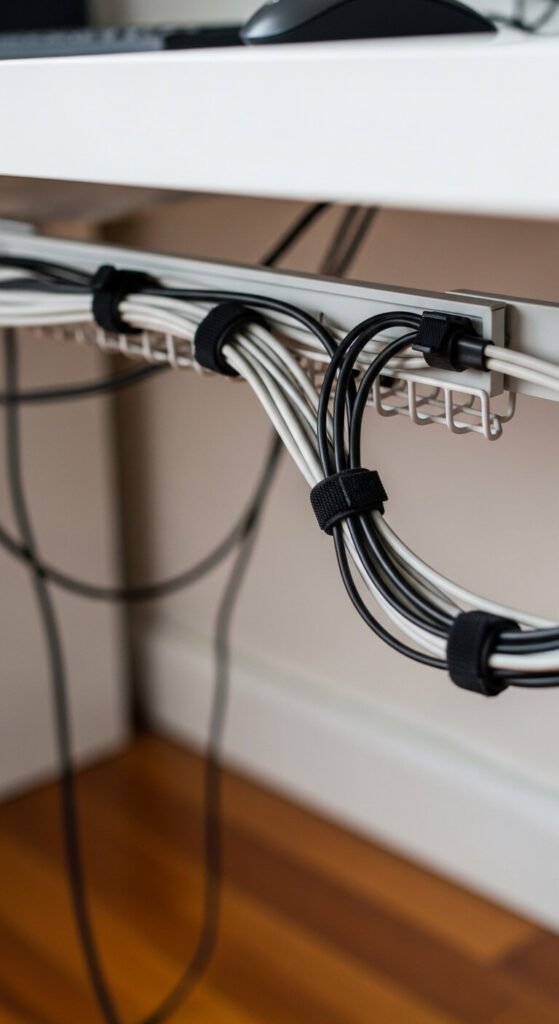
Loose cables are visually distracting and mentally draining. A tidy desk signals order to your brain. Start by bundling cords with velcro cable ties — a pack of 50 costs under $10. Mount a cable management tray under your desk to hide power strips and excess cord. Use adhesive cable clips along the desk edge to route cords cleanly. This takes about 30 minutes to do right, but the payoff is immediate. A clean desk is easier to maintain and far more satisfying to sit down at each morning.
8. Add a Plant (or Two) to Your Desk
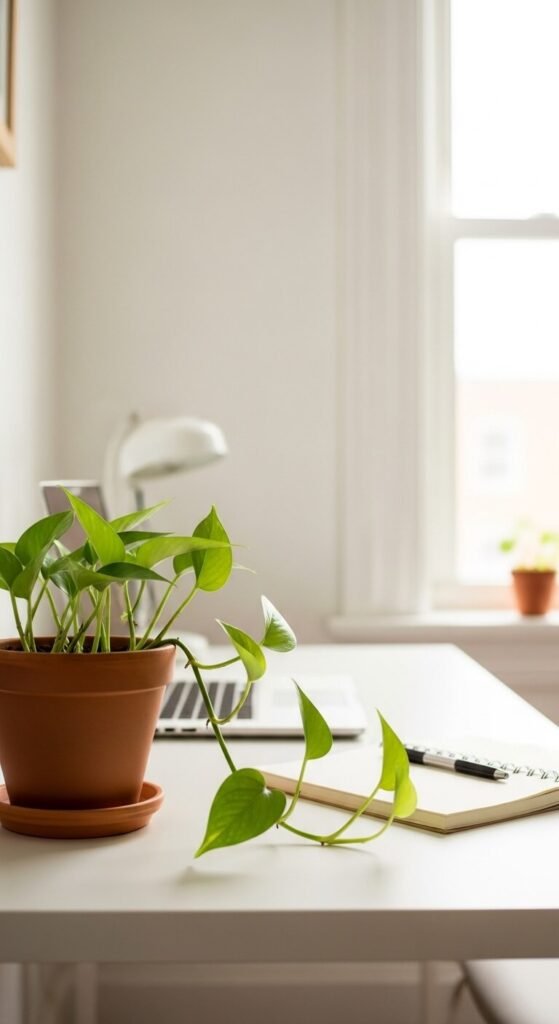
Plants do more than look nice. Studies show having greenery nearby reduces stress and improves attention. Low-maintenance options like pothos, snake plants, or ZZ plants thrive in typical office conditions without much care. A small plant from a local nursery costs $5–$15. Place it where it gets indirect light — usually a few feet from a window. If you forget to water, a small succulent is nearly indestructible. Even a single plant on your desk adds life and warmth to what can otherwise feel like a sterile workspace.
9. Set Up a Dedicated “Start Work” Ritual Spot
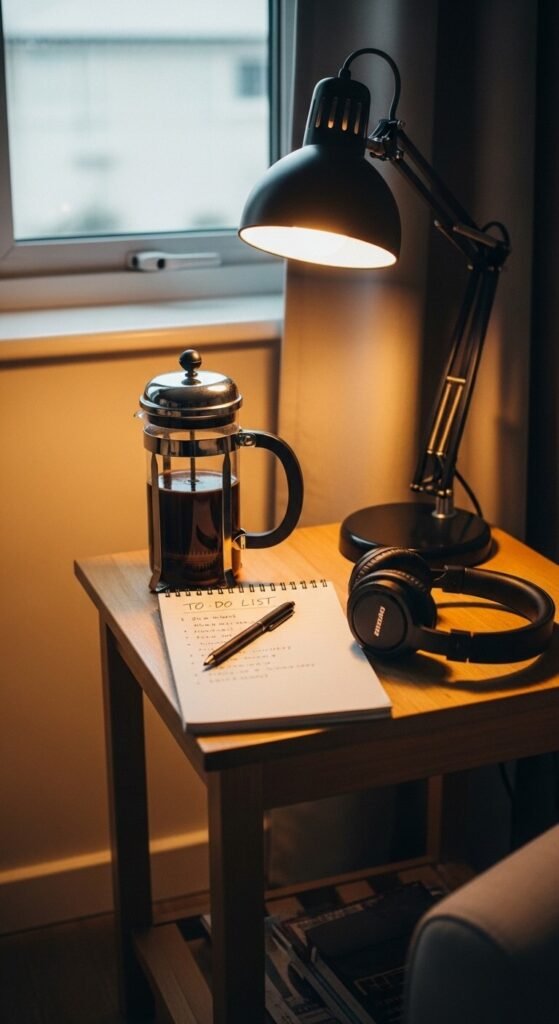
The physical space around your desk can signal your brain to shift into work mode. Designate a small spot — even just a corner of your desk — for your daily start ritual. Keep your planner, a pen, and your morning drink there. Use the same routine each day: review your tasks, set a priority, and officially “begin.” This mental cue is free to create and surprisingly powerful. People who use consistent start rituals tend to hit focus faster and procrastinate less than those who just drift into work.
10. Use Vertical Space for Storage
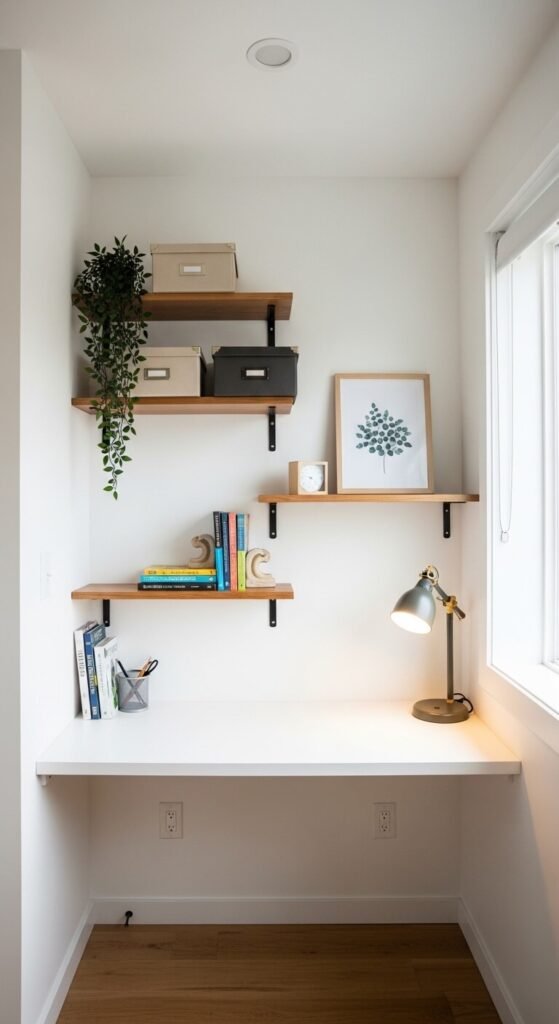
If your desk is always messy, you probably don’t have enough accessible storage nearby. Going vertical frees up your work surface without requiring a bigger desk. Floating shelves are inexpensive and easy to install — a set of two or three from a hardware store runs $20–$50. Use them for reference books, small bins, and anything you need within arm’s reach. Pegboards are another affordable option: mount one above your desk and hang supplies, headphones, and tools on hooks. Vertical storage turns dead wall space into a fully functional part of your office.
11. Pick a Paint Color That Works With You
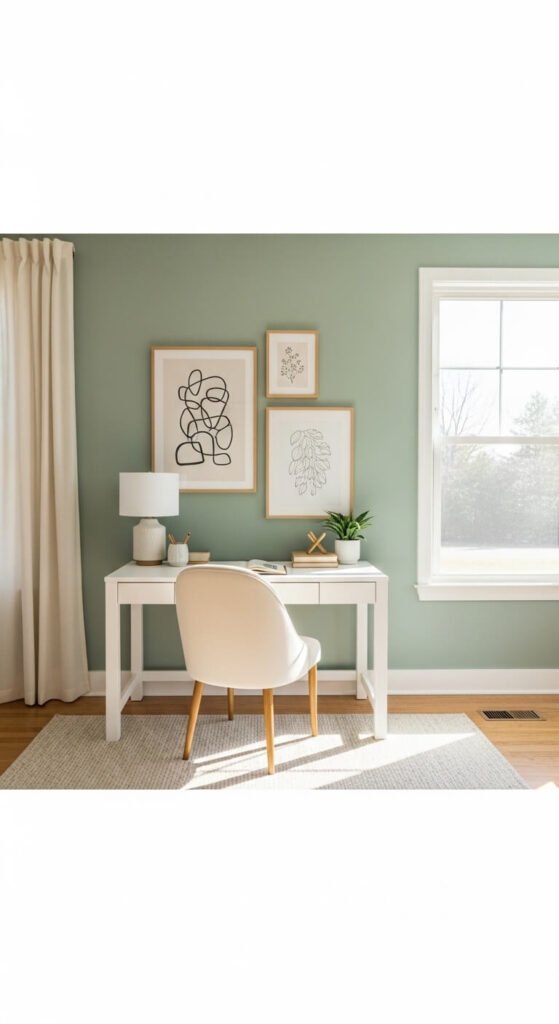
Color psychology is real, and your wall color affects your mood and concentration. Soft blues and greens tend to support calm, sustained focus. Warm whites and light grays keep spaces feeling open without being cold. Bold or very saturated colors can cause visual fatigue in an office setting. If repainting a whole room feels like too much, paint a single accent wall behind your desk. A quart of paint is less than $20 and covers one wall easily. Renters can use removable wallpaper panels for a low-commitment color change.
12. Reduce Visual Clutter With a “One In, One Out” Rule
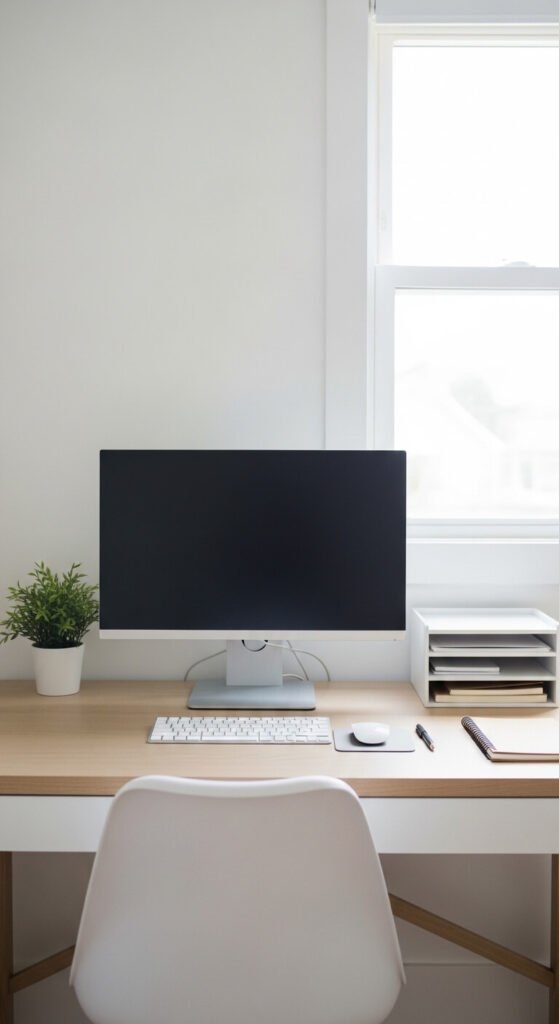
Clutter competes for your attention even when you’re not looking directly at it. Keep your desk surface to the essentials only. Apply a simple rule: if something new comes onto the desk, something else has to be put away or removed. Assign every item a home — a drawer, a bin, a shelf. Objects without a home tend to pile up and stay. Spend five minutes at the end of each workday resetting your desk to its baseline. Starting work at a clean surface every morning is one of the lowest-effort, highest-return habits you can build.
13. Use a Second Monitor (or a Larger One)

Switching between windows on a single small screen eats time and breaks concentration. A second monitor — even a budget one — changes how efficiently you work. Refurbished 24-inch monitors are available for $60–$100 and pair perfectly with most laptops via HDMI or USB-C. If a second monitor isn’t feasible, moving from a 22-inch to a 27-inch or 32-inch single screen gives more workspace in one panel. Dual monitor arms save desk space and allow perfect positioning for both screens.
14. Install a Simple Whiteboard or Corkboard
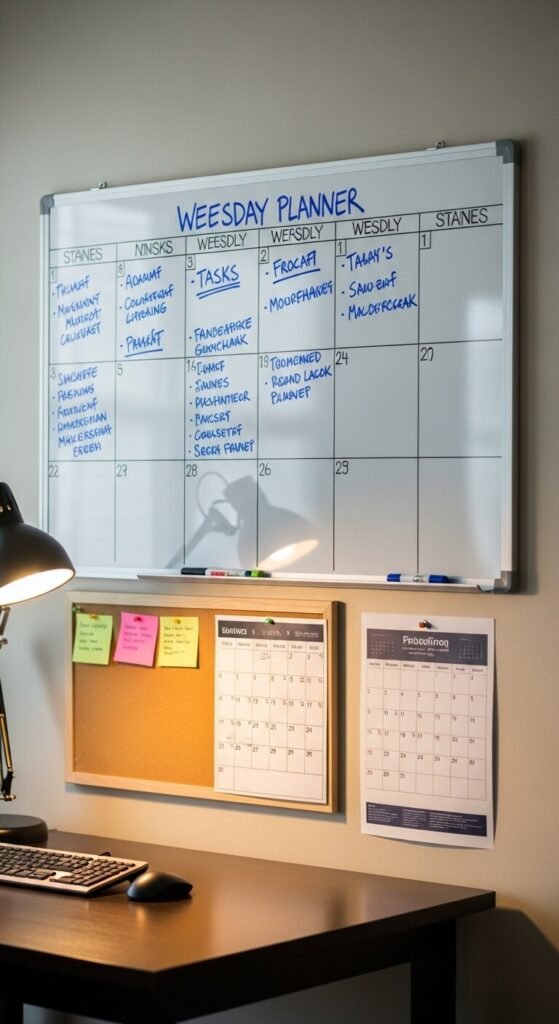
Your brain works better when ideas live outside your head. An analog capture surface — whiteboard or corkboard — is one of the most effective focus tools in a home office. A standard 3’x2′ whiteboard runs $15–$40. Mount it directly in your line of sight above the desk. Use it for weekly priorities, in-progress tasks, or quick brainstorms. Unlike a digital to-do list, a physical board is always visible and requires zero loading time. Many remote workers say it’s the single addition that most changed how organized they feel.
15. Manage Distractions With Physical Boundaries
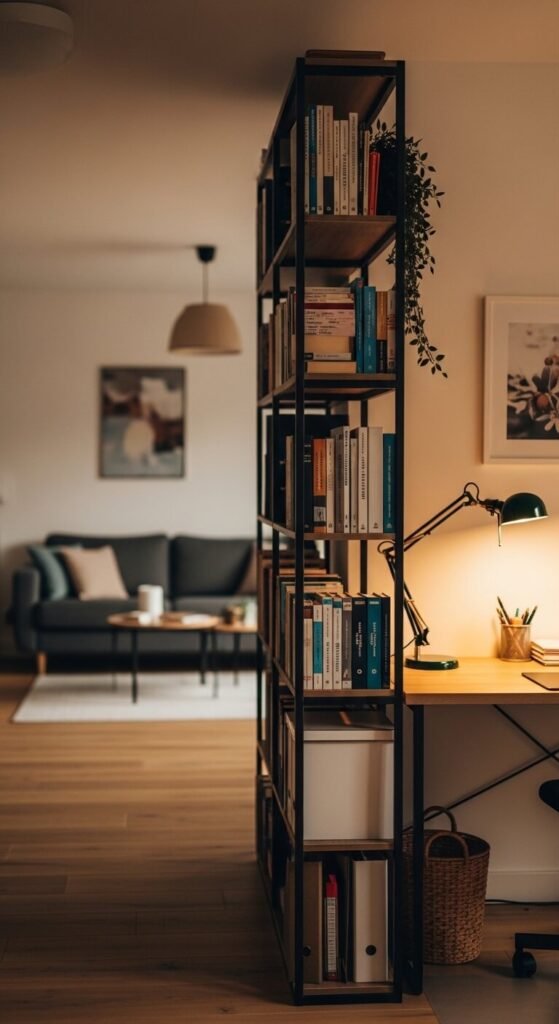
Working in a shared or open home space makes boundaries harder. Create a physical “office zone” to help both your brain and your household know when you’re working. A tall bookshelf or room divider can separate a living room corner into a functional workspace for under $80. Even a simple floor-to-ceiling curtain on a tension rod can close off a corner area. Post a small, friendly sign during deep work hours. Physical cues reduce interruptions without requiring a separate room.
16. Upgrade Your Chair Mat or Desk Mat

A good desk mat reframes your entire workspace visually. It unifies your keyboard, mouse, and accessories into one intentional zone. Full-desk leather or felt mats start around $20–$40 and make even a budget desk look considered. On the floor, a chair mat protects wood or laminate flooring and makes rolling your chair effortless. Hard floors without a chair mat create friction — literally — and make shifting position throughout the day more annoying. Both mats combined cost less than $80 and have a lasting, outsized impact on how your workspace feels.
17. Use a Footrest to Improve Your Sitting Posture
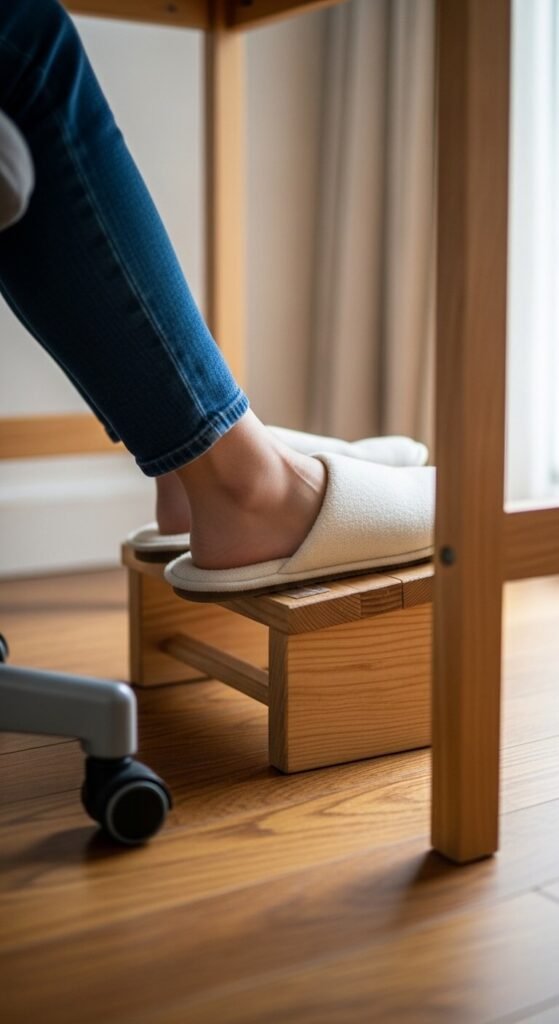
If your feet dangle or press flat on hard floors all day, your posture suffers. A footrest tilts your hips slightly forward and takes pressure off your lower back. Purpose-built footrests run $20–$60. A DIY option: stack a few thick hardcover books to the right height, or use a small wooden step. Angle matters more than height. The goal is for your knees to sit at roughly a 90-degree angle with your hips level or slightly above. Small changes at floor level ripple all the way up to your neck and shoulders.
18. Add a Desk Organizer for Daily Supplies
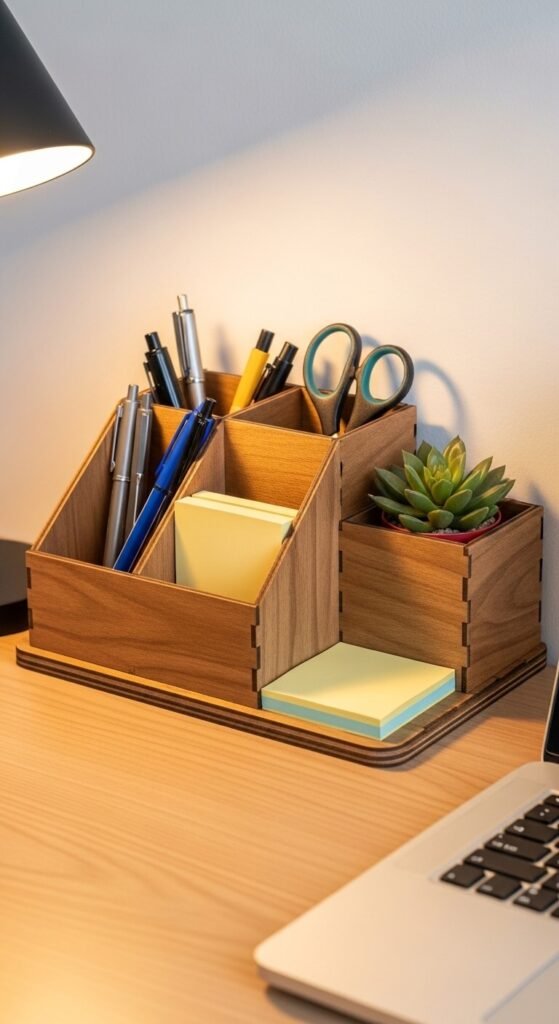
Hunting for a pen or sticky note mid-thought breaks your flow completely. Keep daily-use supplies within reach and organized at eye level. A desktop organizer with separate compartments — for pens, clips, sticky notes, and charging cables — runs $15–$35 in wood, bamboo, or metal finishes. Only stock it with items you use daily. Everything else goes in a drawer. Reducing small friction points like this adds up to noticeably smoother, less interrupted workdays over the long run.
19. Hang Calming Art That Means Something to You

Your visual environment shapes your mood over the course of a long workday. Art and imagery don’t have to be expensive to be effective. Print a photograph, quote, or illustration that genuinely inspires or calms you — not just something that looks “office-y.” Frame it with an IKEA frame for $5–$15. A gallery wall of three small prints creates real visual impact at very low cost. The goal is that when you glance up from your screen, what you see resets your mind and returns you to a grounded headspace.
20. Get a Wireless Charging Pad for Your Desk
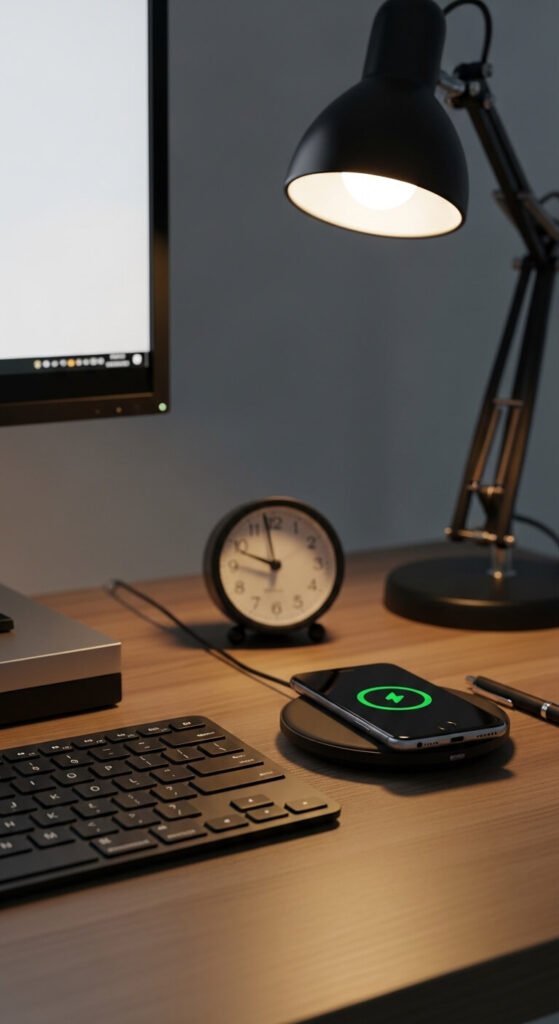
A tangled phone charger on your desk is a small irritation — and small irritations compound. A wireless charging pad keeps your phone powered without adding cable clutter. Qi-compatible pads run $15–$30 and work with most modern smartphones. Place it at the edge of your desk, slightly out of reach from your primary work zone. This subtle distance helps you avoid reflexively picking up your phone while working — one of the biggest silent productivity drains in a home office environment.
21. Block Out Light (or Let It In) With the Right Window Treatment
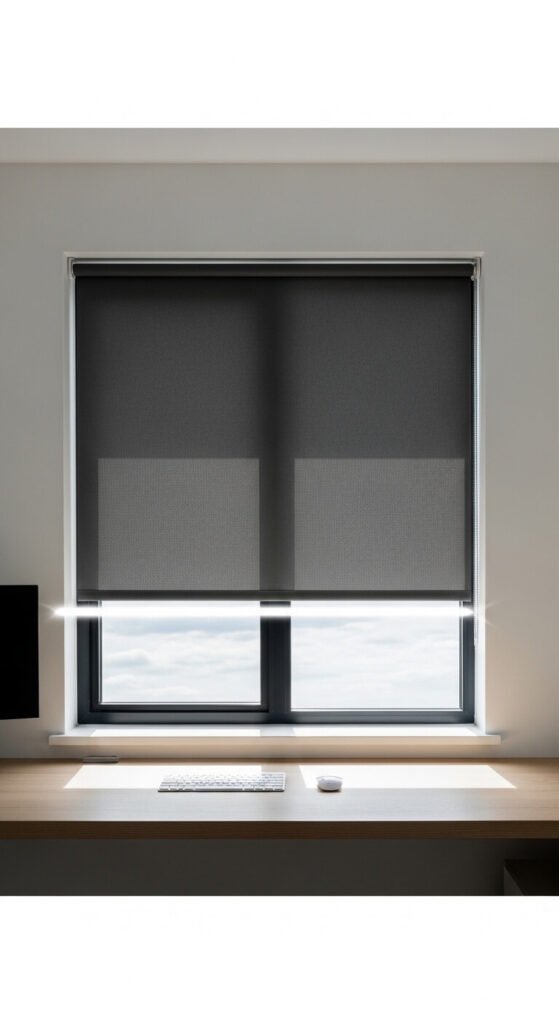
The wrong window situation — too much glare or total darkness — makes focus harder than it needs to be. Position your desk perpendicular to windows, not facing or directly backing them. If glare hits your screen anyway, blackout or solar roller blinds let you control light intensity throughout the day. A basic roller blind fits most windows for $20–$50. If you work in a consistently dark room, a daylight-spectrum LED desk lamp helps regulate energy levels and reduces that mid-afternoon slump most home office workers feel.
22. Use a Standing Desk Converter Instead of Replacing Your Desk
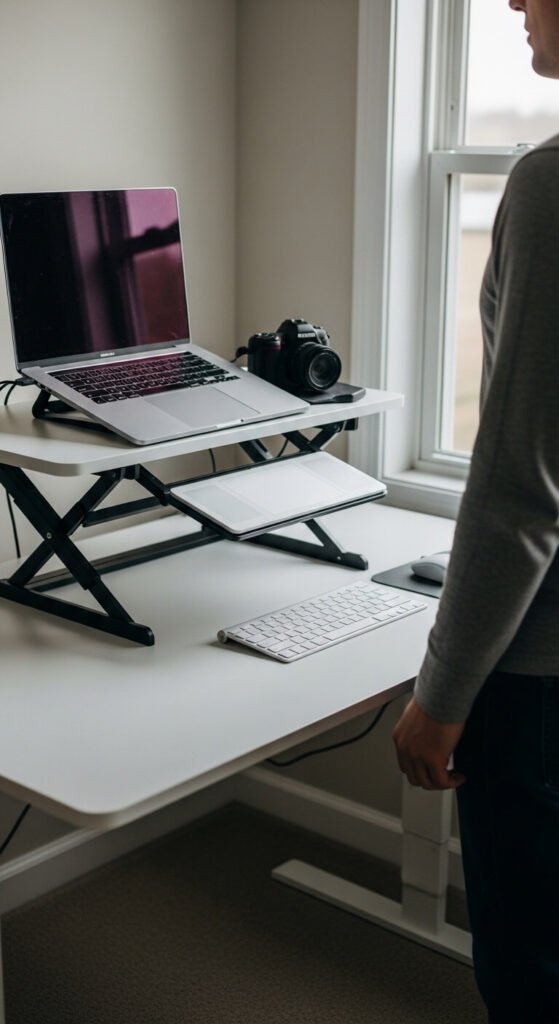
A full standing desk can cost $400–$800. A standing desk converter sits on top of your existing desk and raises your monitor and keyboard to standing height — same benefit, fraction of the cost. Entry-level converters start at $50–$120. Alternate between sitting and standing throughout the day rather than standing for hours straight, which creates its own fatigue. An anti-fatigue mat ($25–$50) makes standing far more comfortable on hard floors. This setup gives you real flexibility without replacing existing furniture.
23. Create an End-of-Day Shutdown Routine

How you end your workday affects how you start the next one. A physical shutdown routine signals to your brain that work is done. Close all browser tabs. Write your top three tasks for tomorrow. Clear your desk surface. Then physically say “shutdown complete” out loud or write it in your planner — this sounds odd but works as a genuine mental off-switch. It takes under five minutes. People who do this consistently report less evening anxiety, fewer intrusive work thoughts, and a much easier time returning to focus the next morning.
Conclusion
A productive home office isn’t built in a day, and it doesn’t require a large budget. Every idea on this list is something you can act on this week — many for under $30. Start with one or two changes that address your biggest daily friction points: maybe it’s your chair posture, your cable chaos, or the lack of real storage nearby. Make that change. Notice how it feels. Then come back and tackle the next one. Your workspace is a tool, and like any tool, it performs better when it’s set up with intention. Small, consistent improvements to your environment add up to hours of gained focus, better energy, and a workday that actually feels manageable.